 Analysis by Gamescozy
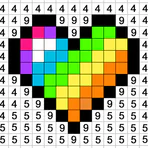
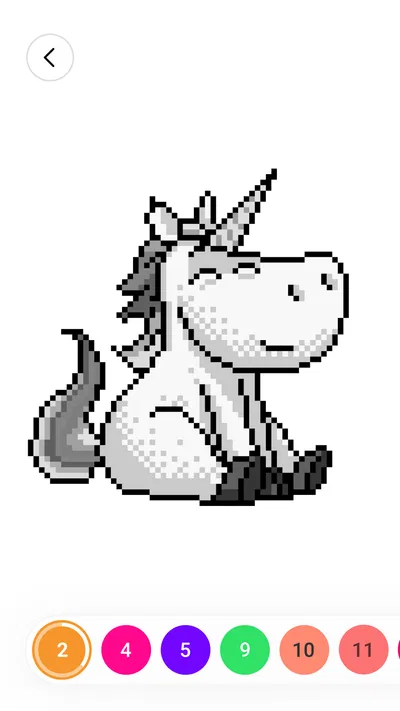
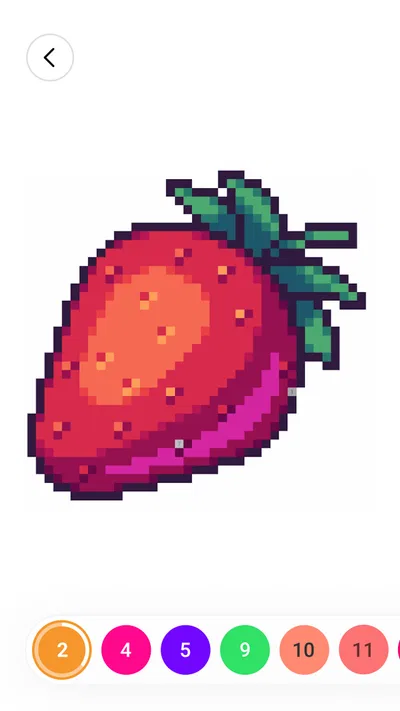
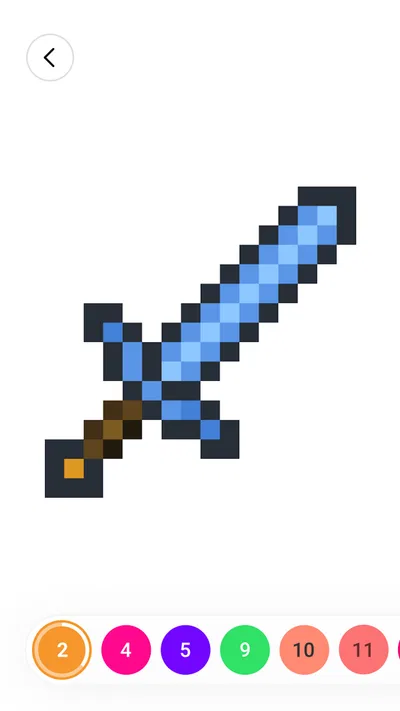
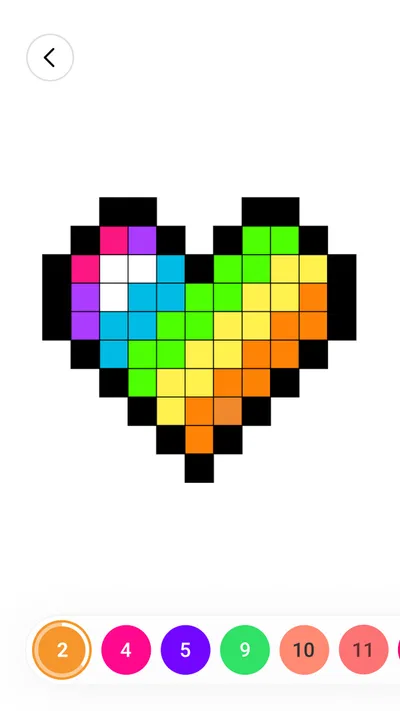
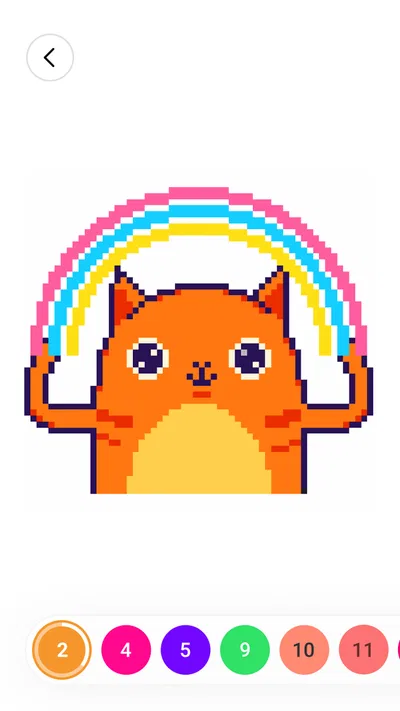
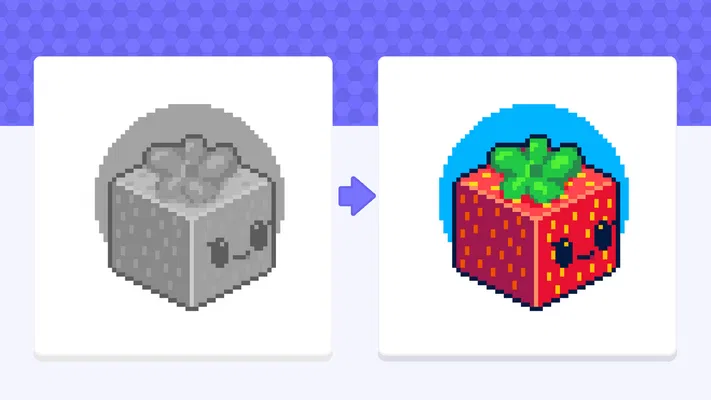
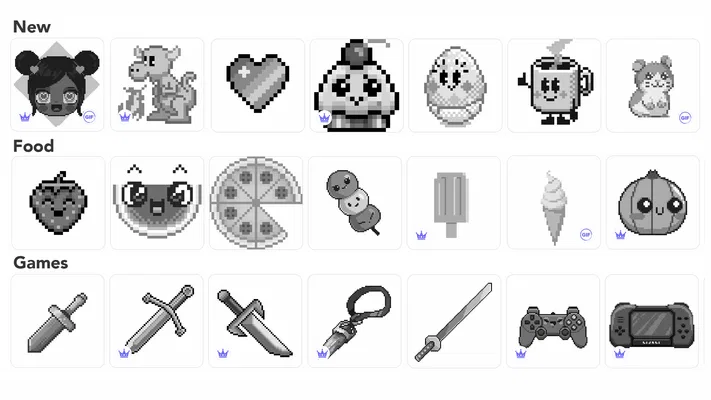
When I want a quiet activity that gives my hands something to do without asking me to invent a picture from scratch, number-based coloring is an easy fit. Color by Number: Coloring Games is built around that simple idea: choose an illustration, match numbered spaces to colors, and watch a pixel-art image take shape. I find its strongest appeal is not artistic freedom but the gentle structure. There is a clear next step, yet the finished picture still feels like something I completed.
Why the number-matching approach works
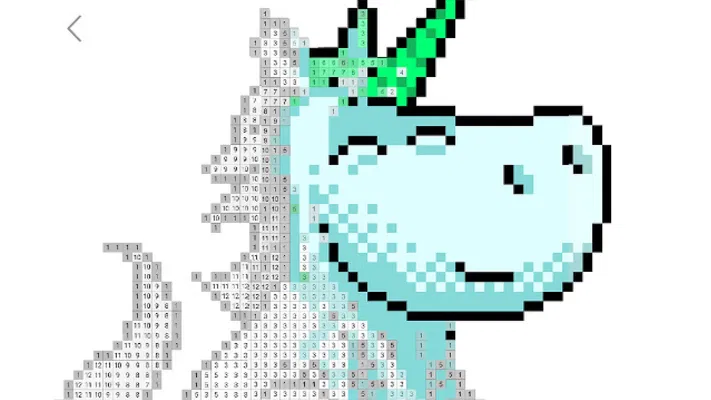
This is a board-style game from Wildlife Studios, though it feels closer to a digital coloring book than a traditional tabletop game. Its central capability is guided coloring: instead of selecting colors and deciding where they belong, you follow numbered areas. That changes the task from making creative decisions to noticing small spaces and filling them in.
That distinction matters if you are choosing between this and a free-drawing app. A blank canvas can be rewarding, but it also makes you responsible for the idea, composition, and color choices. Here, the picture supplies the plan. I can settle in for a few minutes without having to decide what to draw, and a finished image provides a natural stopping point.
The pixel-art look suits the format particularly well. Individual blocks make the picture feel like a mosaic assembled one patch at a time, rather than a sketch that needs a steady hand. The store summary also describes a 3D sandbox and sketchbook angle, but the experience I would recommend it for is the straightforward color-by-number routine. If you want a serious drawing tool, that is a different kind of app.
Following the picture without losing your place
In practice, I treat each image as a small visual task: identify a number, find matching spaces, and fill them until that color is dealt with. When a picture contains lots of tiny blocks, working methodically is more comfortable than tapping around at random. I start with one color and scan the visible area, then move to another. This makes it easier to notice missed patches and keeps the session from feeling scattered.
A useful habit is to zoom in when the remaining areas are small, rather than repeatedly tapping at the same spot and hoping to hit the right block. On a phone, a busy pixel picture can make neighboring cells easy to confuse. If I am coloring while waiting somewhere, I prefer an image with larger regions; when I have more time and attention, the denser designs make a better slow-paced activity.
The numbered system also gives the task a built-in rhythm. I do not have to hold an idea in my head or remember what color I planned to use. I can pause, return, and pick up the visual pattern again. That makes it more convenient than freehand drawing for brief breaks, although the repeated searching and tapping can become monotonous if I want a more active game.
A good fit for the in-between moments
My best everyday use case is a short wait: sitting on a train, taking a break between chores, or winding down when I do not want to start a long game. I can make visible progress without needing sound, a complex strategy, or a story to follow. The numbered spaces give my attention something specific to land on, while the coloring itself stays low pressure.
It can also work as a shared, casual activity. One person can choose the next color while another looks for matching blocks, or a child and adult can take turns filling parts of a picture. The age rating is Everyone, which makes the content broadly approachable, but I would still choose images and session length based on the person using it. The fine tapping involved may be less comfortable for very young players or anyone who finds small touch targets frustrating.
For comparison, a conventional coloring book offers a more tactile feel and lets you choose colors freely, but it needs physical supplies and a place to spread out. A drawing app gives far more control, yet asks for more skill and decision-making. This game sits between those options: less expressive than drawing, more portable than paper, and easier to begin than a blank canvas. That is a useful niche, as long as guided repetition is what you want.
Where the relaxing loop can wear thin
The same structure that makes the game easy to start can limit its appeal. You are following a design rather than composing one, so anyone hoping to make a personal illustration may feel boxed in. The repetitive cycle of locating a number and filling its spaces is soothing for some moods, but it is not a substitute for a puzzle with changing rules or a competitive board game.
Small pixel areas are another tradeoff. They can make a picture satisfying to complete, but they also demand careful taps and attention to the screen. If I am tired, in a hurry, or using a small display, I would choose a simpler-looking image or stop rather than turn a relaxing break into a precision test. The app is most pleasant when I let the process be slow instead of treating every unfinished patch as a problem.
It is free to download, with in-app purchases listed from $7.99 to $99.99 per item. I would make a point of checking purchase prompts before confirming anything, particularly if a child will use the device. The presence of optional purchases does not mean you need to spend to enjoy the basic idea, but the stated range is wide enough that I would not tap through payment screens casually.
There is also a practical distinction between coloring for calm and coloring for variety. The number-matching method itself stays consistent, so if you need frequent changes in mechanics, rising difficulty, or a strong competitive goal, you may prefer another game. I would pick this when the activity is the point, not when I want a sequence of challenges to master.
What its popularity tells me—and what it does not
The game has an average rating of 4.6 from around 530,000 ratings, and it has passed 100 million installs. Those figures suggest that the simple format has found a large audience, though popularity alone cannot tell me whether its pace will suit you. Wildlife Studios released it on January 4, 2018, and the current version is 4.51.0, with Android 6.0 as the minimum operating system. It is free, rated Everyone, and has around 16,000 written reviews.
I mention those details because they help set expectations, not because they change the core experience. The large audience makes it a familiar option in mobile coloring, while the key decision remains personal: do you enjoy slowly completing a prepared image? If yes, its low-barrier format is a sensible reason to try it. If you want to create original art or make quick strategic choices, a drawing app or a more active game will serve you better.
Who is likely to enjoy it most
I would recommend Color by Number: Coloring Games to people who like visible progress, enjoy pixel-style pictures, and want a calm activity that can fit into spare minutes. It may also suit someone who finds an empty canvas intimidating but still likes the feeling of completing an image. My practical tip is to use it in short sessions, work one color at a time, and choose a picture whose detail level matches your patience that day.
I would skip it if you need freehand tools, expressive control over the palette, or gameplay that keeps changing from one moment to the next. It is also not my first choice for a screen break if tiny taps tend to strain your eyes or hands. Those are not faults so much as boundaries of the format: guided coloring trades creative freedom and variety for a clear, manageable task.
Overall, I see this as a digital coloring book with a particularly approachable pixel-art routine. Its best quality is that it removes the hardest first question—what should I make?—and replaces it with a small, satisfying action. When I want a quiet, structured distraction, that is enough. When I want to draw something of my own or feel challenged, I reach for a different kind of app.